Overview

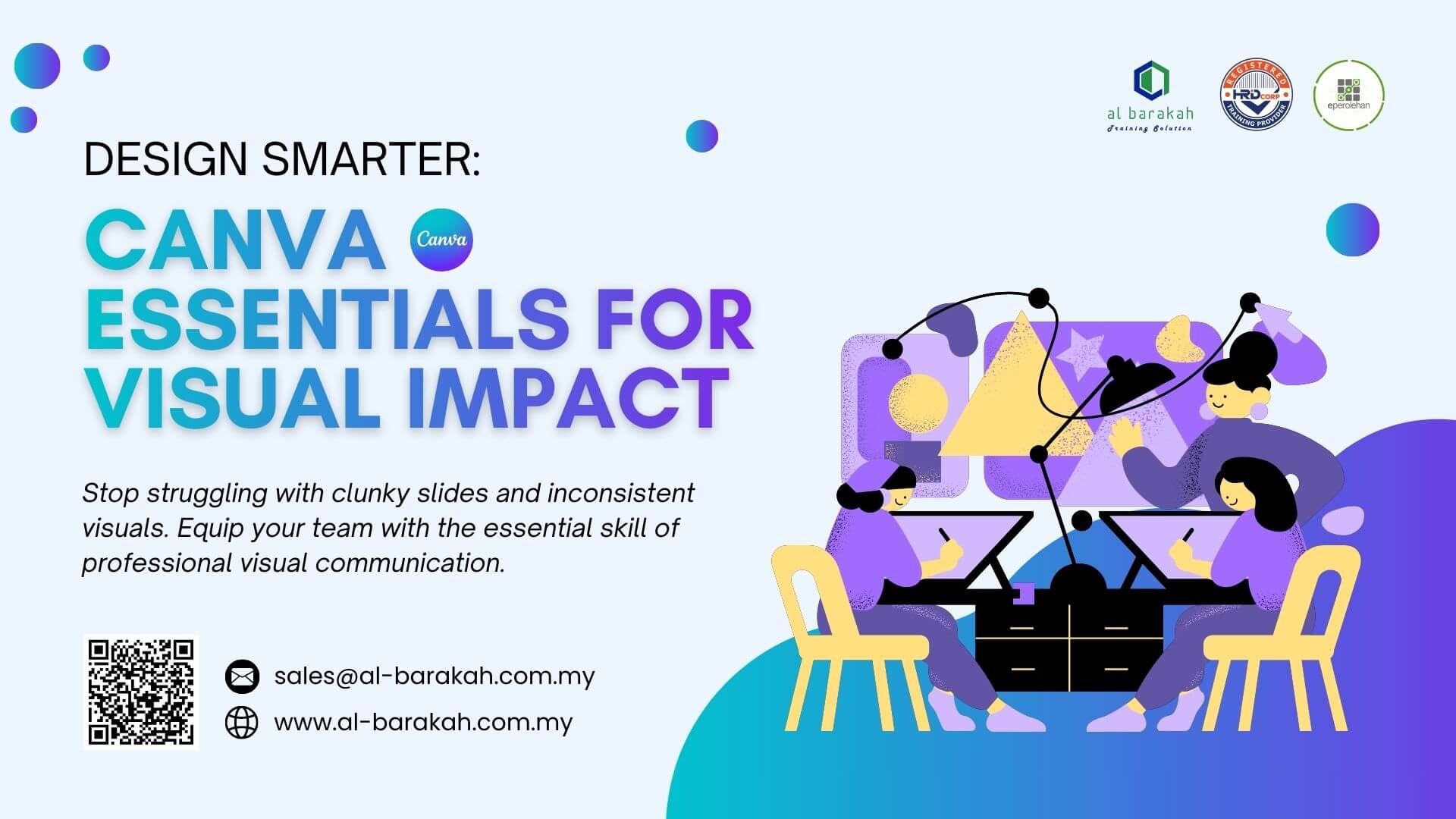
Design Smarter: Canva Essentials for Visual Impact

This isn’t just a software tutorial; it’s a workplace communication revolution. Canva has fundamentally changed how professionals create visual content, moving design from a specialist skill to an essential literacy. Our Design Smarter: Canva Essentials for Visual Impact course is a targeted, practical introduction specifically crafted for the modern workplace.
Canva Essentials for Visual Impact Training

What is Canva Essentials Training?

We cut through the clutter of endless features and focus on the core 20% of Canva’s tools that will deliver 80% of the impact in your daily work. From understanding the history that made Canva an intuitive leader to navigating the key differences between Canva Basic and Pro, this overview sets the stage for why this skill is now non-negotiable for efficiency and professional presentation.

Why is Basic Canva Training Essential for Your Team?

In today’s attention economy, visual communication is the currency of clarity and engagement. Employees who can quickly produce polished presentations, compelling social media posts, informative infographics, and eye-catching internal communications hold a significant productivity advantage.

This training moves your team from relying on outdated templates or overworked design departments to becoming self-sufficient creators of branded, high-quality visuals. It directly addresses the growing need for agile, in-house content creation, saving time, reducing costs, and ensuring brand consistency across all touchpoints.

Course Objective: Empower, Enable, Excel

The primary objective of this 1-day intensive is simple: to transform complete beginners into confident, capable Canva users. By the end of the session, participants will have moved from apprehension to application.

They will possess a functional understanding of the Canva platform, enabling them to immediately translate workplace content needs—be it a quarterly report, a team update presentation, or a promotional flyer—into a visually impactful reality, without the need for advanced graphic design skills or constant external support.

Key Topics You Will Master

  • Foundations: Navigating Canva’s interface & understanding its core philosophy.

  • Graphic Creation: Building posters, social media graphics, and infographics from templates.

  • Presentation Design: Developing engaging, cohesive slide decks directly in Canva.

  • Simple Video Production: Creating effective training or promotional clips with audio.

  • AI-Powered Efficiency: Harnessing Canva’s Magic Studio (Magic Write, AI Image Generation, Background Remover) to work smarter. This module provides the perfect foundation for teams looking to later explore more advanced, AI-driven content strategy in our comprehensive Generative AI for Content Creation Training.

“The Canva Essentials training significantly improved our team’s speed and quality in producing internal communications and creatives design.” – Rahman Talib, FGV

 Immediate Skills for Everyday Tasks

This course delivers tangible, Monday-morning-ready skills. Employees will return to their desks able to:

  • Design client-facing presentations that impress and persuade.

  • Create internal communication materials (newsletters, announcements) that get read.

  • Produce social media content that aligns with marketing goals.

  • Assemble visual data reports and infographics that make complex information clear.

  • Develop simple training or explainer videos for internal teams or customers.

  • Dramatically reduce the time and friction involved in creating any visual asset.

Our Hands-On, Learn-by-Doing Approach

We believe in active learning, not passive listening. Our certified trainers employ a blended methodology:

  • Live, Interactive Demonstrations: Step-by-step walkthroughs of key tools.

  • Guided Practical Exercises: Participants follow along and create real-world assets.

  • Scenario-Based Challenges: Applying skills to typical workplace briefs.

  • Q&A and Collaborative Troubleshooting: Ensuring no one is left behind.

  • Post-Training Resource Kit: Including a quick-reference guide, template links, and project files for continued practice.

Ready to Empower Your Team with Canva Skills?

Stop struggling with clunky slides and inconsistent visuals. Equip your team with the essential skill of professional visual communication. Mastering Canva is the first critical step in building a modern, agile content creation workflow within your organization.

Click Here to Inquire Now or email us at sa***@************om.my to schedule your in-house training.

Level

Beginner

Duration

4 Hours | 1-Day

Languange

B. Malaysia and English

Training Mode

Public & In-House

Training Module Content

Module 1: Introduction to Canva

  • How Canva is transforming the graphic design landscape
  • History and evolution of Canva
  • Differences between Canva Basic and Canva Pro
  • Overview of Canva features

Module 2: Creating Graphics with Canva

  • Types of documents and graphics that can be created using
    Canva
  • Preparation steps before starting a design
  • Using ready-made graphic templates
  • How to edit and add elements to your design

Module 3: Designing Engaging Presentations with Canva

  • Creating slides using Canva
  • Utilizing Canva’s built-in presentation features

Module 4: Creating Videos with Canva

  • Key features for video creation in Canva
  • Adding video transitions
  • Inserting audio and background music into videos

Module 5: Artificial Intelligence in Canva

  • Introduction to Magic Studio in Canva
  • Integration with other applications through Canva

Learning outcome

What You Will Be Able To Do After This Training

  • Create a variety of professional visual materials (posters, infographics, reports, social media content).

  • Effectively use and customize pre-designed templates to ensure brand consistency.

  • Confidently add, modify, and enhance designs with text, icons, and images.

  • Produce simple videos for promotions or internal communication using Canva’s video tools.

  • Leverage Canva’s AI-powered Magic Studio (Magic Write, Text to Image, Background Remover) to speed up your workflow.

Want to train your entire team?

Get a customized in-house training quote today! Contact us or click below.

Who is this training for?

Who Should Attend This Basic Canva Course?

This training is specifically designed for professionals, executives, and support staff who are not graphic designers but need to create visual content as part of their role. Ideal for:

  • Marketing & Communications Executives

  • Administrative & Office Managers

  • Team Leaders & Project Managers

  • HR & Training Personnel

  • Entrepreneurs & Small Business Owners

  • Anyone who creates presentations, reports, or social content and wants to do it better and faster.

Relevant Across Every Sector

The need for clear visual communication is universal. This course provides immense value to teams in:

  • Corporate & SMEs (for internal and external comms)

  • Education & Training (for learning materials)

  • Marketing Agencies & PR Firms (for rapid content ideation)

  • Non-Profits & NGOs (for fundraising and awareness campaigns)

  • Healthcare & Services (for patient information and public outreach)

  • Startups & Entrepreneurship (for cost-effective, professional branding)

Participants requirements:

Pen, Notes, laptop & Free Canva account.

Recognized training provider

Trusted By

Since 2009, we have work with more than 3,000 brands including…

Halal awareness training a training course based on the MPPHM 2022

Clients' Review

“This training was fantastic! As someone with no design background, the trainer made everything so simple and fun. I learned how to create professional social media posts, brochures, and even simple videos for our kenduri events. Now, I can produce beautiful materials for my small business myself. Terima kasih, Al Barakah!”

Puan Aminah Ismail | Home bakers

“I needed to upskill for my marketing role, and this course was perfect. The step-by-step guidance on branding kits, templates, and advanced editing tools was incredibly practical. I’ve already redesigned our company’s campaign graphics with more speed and confidence. A highly effective and well-organized session!”

Mr. Sanjay Pillai | Marketing Executive, "Heritage Spices Trading"

TRAINER PROFILE

Mr. Fariz | MDEC eUsahawan Master Trainer

HRD Corp Certified Trainer | MDEC eUsahawan Master Trainer | 12+ Years Digital Training Experience

Mr. Fariz is a seasoned corporate trainer specializing in practical digital skill development for the modern workplace. With a background spanning digital marketing, sales, and business development, he understands the critical need for effective visual communication in today’s business environment.

His credentials include certification from HRD Corp and the UK’s Learning Resource Network, and he has successfully designed and delivered training programs for over 2,200 individuals from leading organizations. Fariz’s approach is highly interactive and participant-centered, focusing on immediate application.

He doesn’t just teach Canva’s features; he contextualizes them within real-world business scenarios—from creating compelling sales presentations to developing coherent internal communications—ensuring every learning point translates directly into professional value.

TRAINING POLICY

Disclaimer

Course dates displayed in the ABTS-TMS™ are provisional, pending final confirmation based on trainer availability. Final dates will be confirmed once coordination with the trainer is complete. You are also welcome to contact our team directly, and we will gladly assist in aligning with the trainer’s schedule.

Cancellation & Rescheduling Policy

We reserve the right to cancel or reschedule any course due to unforeseen circumstances; in such an event, participants will receive a full refund. Please note that the training venue may be subject to change based on final enrollment and classroom availability. All courses require a minimum of five (5) confirmed participants to proceed as scheduled.

Frequently Ask Question (FAQ's)

No results found.